
Virtualizing a Windows Server 2000 box: the boring rescue, twenty years on.
By Scott Li ·
Lifting a semiconductor-testing app off a dying HP ProLiant onto VMware vSphere — a reminder that the boring rescue still happens, and what we'd do differently if we got the same call today.
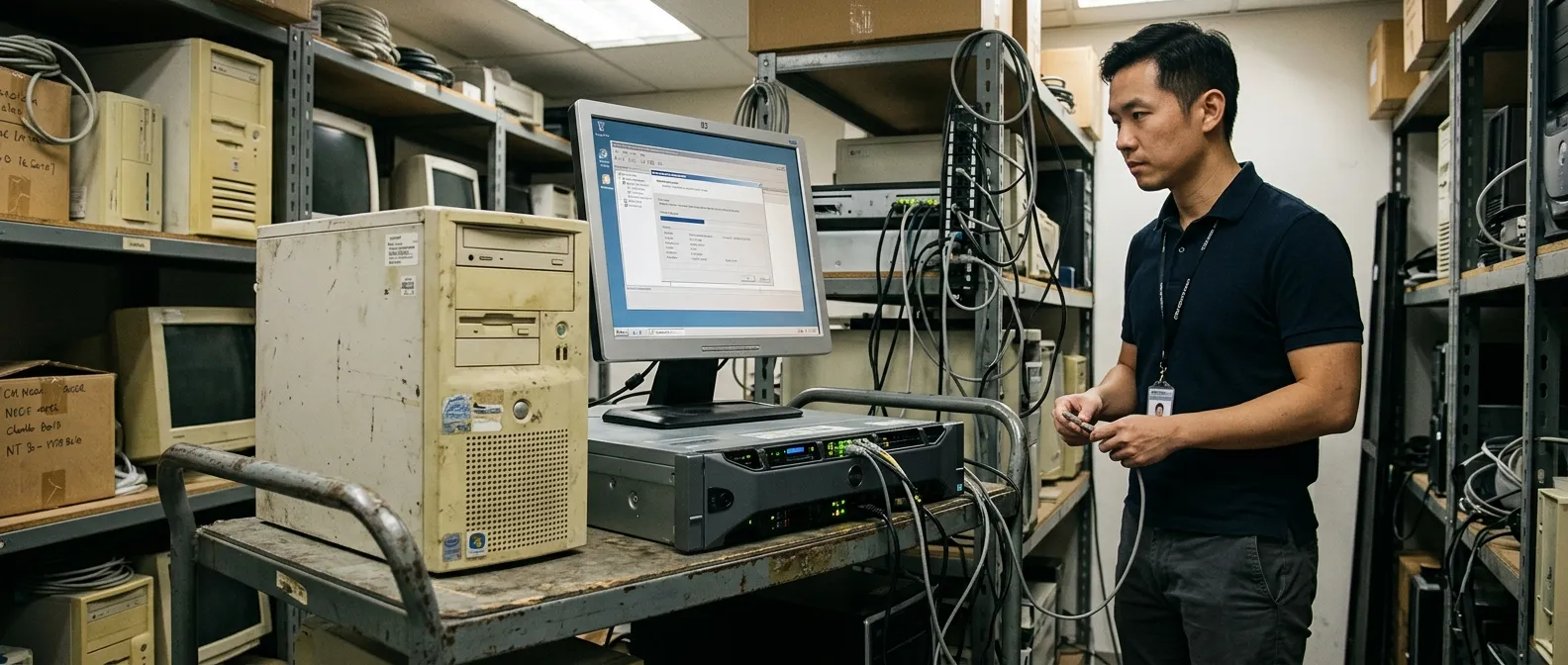
We P2V’d a semiconductor-testing data-collection application that had been running on Windows Server 2000 since around 2003. The host was an HP ProLiant 2U the client could no longer get parts for. The application was business-critical and the vendor was long gone. We lifted it onto VMware vSphere as a Windows Server 2000 guest, kept it running, and bought the client another five-plus years.
That application is still running. We get a call about something like it roughly twice a year. Here are three things we now do differently.
Why this kind of work still happens
Eighteen months of marketing copy about “AI transformation” obscures a quieter reality: in any large industrial estate in Singapore, Malaysia or Indonesia, there is at least one Windows Server 2000 / 2003 / 2008 R2 box running a piece of plant-floor or lab software whose vendor went out of business in the Bush administration. The choice is:
- Buy new equipment that does the same job (often impossible, often a half-million-dollar capex).
- Rewrite the software (impossible without source, often impossible with it).
- Lift the dying physical box into a virtual one and buy another five years.
We pick option three a lot. It is unromantic. It compounds.
The playbook (still mostly right)
- Assess. Document hardware drivers, software dependencies, network bindings, storage assumptions. If the box has a parallel-port dongle, you have a different problem.
- Pick a hypervisor with legacy support. VMware vSphere is still the answer for Windows Server 2000 / 2003 guests. Hyper-V works for the slightly less ancient. KVM is technically possible and operationally regrettable for this work.
- P2V conversion. VMware vCenter Converter takes a snapshot of the physical box and produces a guest. Plan for a long evening and a power UPS at both ends.
- Test against real inputs. A semiconductor test rig produces real data. Run a known-good batch end-to-end before you commit.
- Backup and DR plan. Treat the VM as a special protected workload. Snapshot daily. Off-site weekly.
What we changed
1. Network isolation as the primary control
We originally framed the rescue as “improved security.” In hindsight that overclaimed. The application is still Windows Server 2000 inside the VM; it doesn’t get more secure by being virtualised. What gets better is the blast radius: you can put the VM in a tightly-firewalled segment with explicit inbound rules and no outbound internet access. We now treat that as the controlling security move, not the virtualisation itself.
Specifications: a dedicated VLAN, no internet egress, ingress only from named industrial-control hosts, all flows logged.
2. We add a one-way data extractor
Most clients have unconsumed value sitting inside these legacy systems. Reports get printed and faxed. CSVs get hand-copied. We now, as a standard part of the rescue, build a small one-way extractor that pulls the application’s data out into a modern store (typically MS SQL or Postgres) on a fixed schedule. The extractor is read-only on the legacy side. It does not interact with the application’s UI; it talks to the database file or the report directory.
This makes the legacy system productive outside its own walls without putting the rescue at risk.
3. We agree the sunset date in writing
A legacy rescue is buying time, not solving the problem. We now require, as a condition of taking the work:
- A written sunset date (typically three to five years from the rescue).
- A budget line, agreed by the CFO, for the eventual replacement.
- A quarterly checkpoint where we ask: is the replacement on schedule, or are we silently extending again?
We have done a couple of “extend the rescue” engagements after the original timer ran out. That is a sign of a different kind of failure, and we’d rather catch it early.
The agent-era footnote
Could we use LLMs to help port the legacy application off Windows Server 2000? We have tried it twice. Both attempts produced understanding faster than a human would have — agents reading legacy VBScript, decompiling small binaries, summarising data flows — but neither produced a usable port. The reason: the rescue work is mostly about preserving exact behaviour against undocumented inputs, and exact behaviour is the thing LLMs are worst at.
Where we do use agents in this work: documentation. The agent reads everything in the legacy codebase and writes the document the original vendor never wrote. That alone is worth doing.
The boring rescue is real, valuable work. Someone has to be willing to do it. We are.
— Scott Li, wGrow