
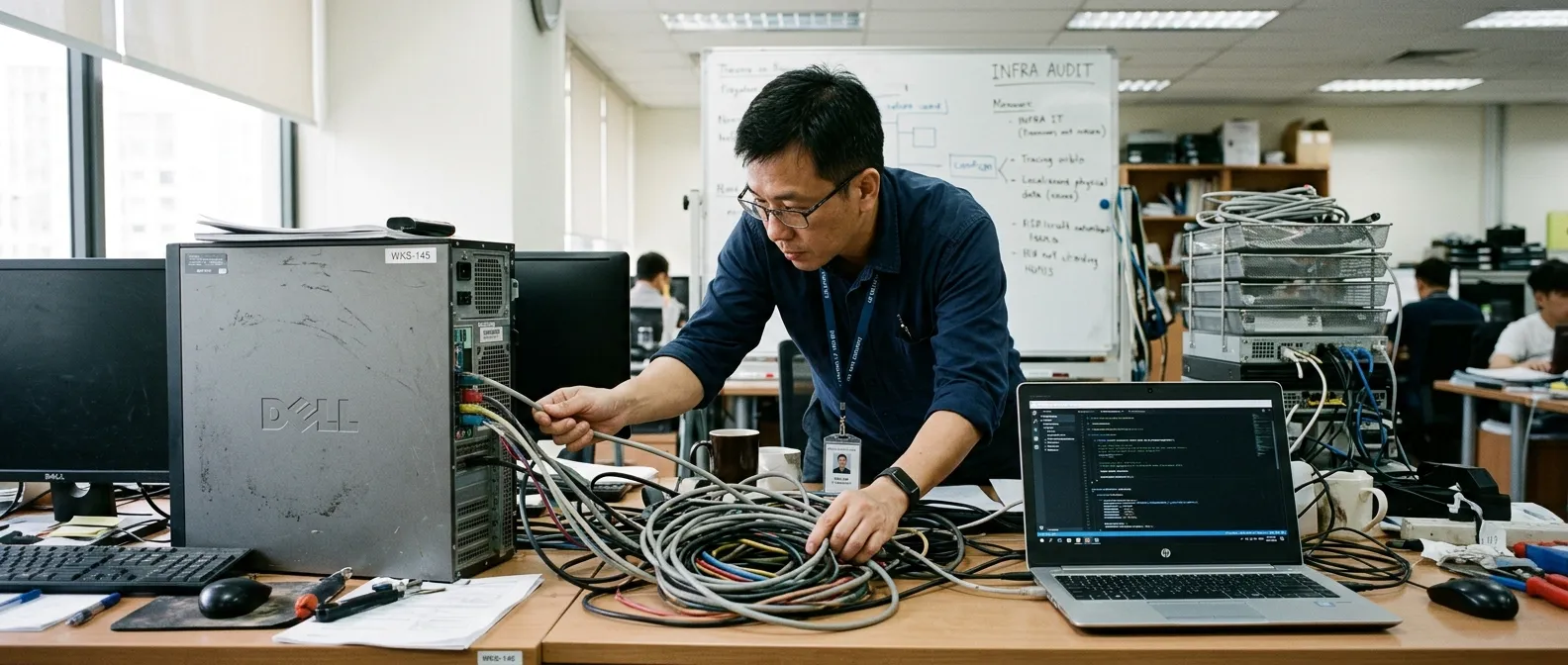
MCP Over STDIO: The Part Everyone Pretended Was Boring
By wGrow Project Team ·
The Illusion of the API Call
Most security reviews of AI agents zero in on the LLM reasoning loop. Prompt injection draws the heaviest scrutiny — adversarial strings smuggled into retrieved documents, tool outputs, even image alt text. Meanwhile, teams configure the Model Context Protocol over the STDIO transport and treat it like a harmless API call.
It is not an API call. It is a local execution boundary.
That distinction is under-reviewed precisely because it resolves before the model reasons at all: the host has already spawned a local process carrying the invoking user’s filesystem, environment, and network context before any prompt is evaluated.
When you use the STDIO transport, the host agent spawns a local sub-process. That sub-process runs on the host machine — with the permissions of the user running the agent. Compare that to HTTP or SSE transports, which can be placed behind a network boundary — and the controls that typically come with it: TLS, auth headers, firewall rules, egress filtering. STDIO collapses all of that. The boundary becomes the local filesystem, the local environment variables, and the OS process table.
Bottom line: we are downloading third-party MCP servers from npm, GitHub, and PyPI and running them locally as raw executables. We are pretending this is safe because the protocol specification is standardised. A clean spec does not sanitise the code on the other end of the pipe.
The Anatomy of a Blind Execution

| 1 | npx -y @modelcontextprotocol/server-sqlite | ← ② |
| 2 |
- ① The -y flag bypasses prompts, instantly pulling and executing an unvetted dependency tree.
- ② Executes locally, gaining access to the host's OS environment variables and user directories.
The standard installation pattern in agent tutorials looks like this:
npx -y @modelcontextprotocol/server-sqliteBreak that command apart. The -y flag is the first thing to notice — it bypasses all npm confirmation prompts. The agent host pulls an arbitrary dependency tree from the registry and immediately executes it to establish the JSON-RPC stream between host and tool. The developer sees a working tool call. The security reviewer sees an unaudited remote executable with filesystem access, and no gap between download and execution.
A compromised dependency in that package tree doesn’t need to manipulate the LLM’s context window. It bypasses the LLM entirely. The supply chain attack surface here is identical to any other npm install — except installation and execution happen in a single command, collapsing the window where a reviewer might otherwise catch a suspicious package.
The blast radius is the full user context. The executing MCP server process inherits the invoking process’s exported environment: AWS_SECRET_ACCESS_KEY, GITHUB_TOKEN, and any .env values that were exported into the shell before it launched. It has access to user directories, mounted network shares, and any internal network routes reachable from the workstation. The agent framework provides the JSON-RPC pipe. The operating system hands over the access tokens.
Legacy Scars from Local Execution Boundaries
This is not a novel problem. We have built around it before. The lesson never stuck.
In 2012, we deployed Windows services for SME clients where unprivileged worker processes executed third-party VBScripts for data transformations — CSV parsing, report generation, file routing. The service accounts were nominally least-privilege, not domain administrators, but they held broad read access across the company file share because scoping got deferred during setup. “We’ll tighten this later.” A script meant to parse order CSVs could enumerate the entire directory structure, payroll folders included. Process isolation failed because the default was open, and tightening it was a future task that never arrived.
The WaterDoctor API gateway ran into the same problem at a different layer. WaterDoctor ingests telemetry from distributed sensor nodes. Early versions of the gateway ran third-party parsing scripts — vendor-supplied, not audited internally — inside the same process context as the main ingestion loop. A misbehaving script could corrupt the ingestion queue or access internal routing tables. We fixed it by isolating script execution into sandboxed environments: no access to the ingestion loop’s internal state, no outbound network beyond specific named endpoints. The fix added latency. We took the trade-off.
That gateway and any STDIO-based MCP deployment share the same class of vulnerability. The agent host is the ingestion loop. The MCP server is the unvetted script. Both cases point to the same architectural requirement: isolate the execution boundary, and default to closed, not open.
The Hard Friction of Containerising STDIO
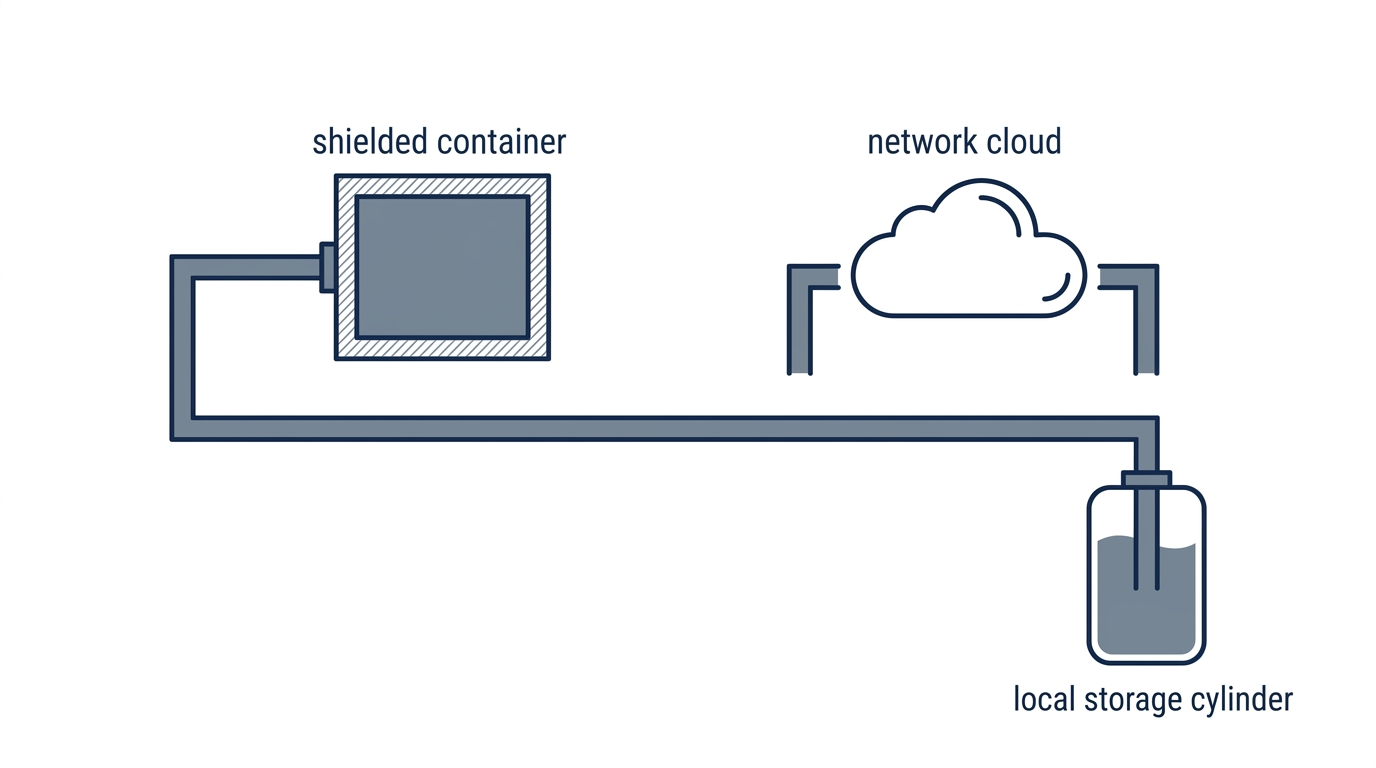
| 1 | docker run -i --rm \\ | ← ① |
| 2 | -v /local/db:/db:ro \\ | ← ② |
| 3 | --network none \\ | ← ③ |
| 4 | mcp-sqlite | |
| 5 |
- ① The -i flag keeps STDIN open, which is mandatory to maintain the JSON-RPC stream.
- ② Read-only explicit bind mounts prevent the server from tampering with the local filesystem.
- ③ --network none removes direct outbound network egress from the container. The STDIO channel back to the host remains open by design; pair this with scoped read-only mounts and output review.
Security reviewers cannot tell developers to “just use Docker” without providing the exact execution topology. Naively containerising an MCP server breaks the STDIO pipe, because the JSON-RPC stream requires STDIN and STDOUT to remain connected between the host agent process and the tool process.
The correct invocation pattern:
docker run -i --rm <mcp-server-image>The -i flag is non-negotiable. It keeps STDIN open, which is what maintains the JSON-RPC stream. Drop it, and the pipe closes immediately — the host agent loses the tool. --rm discards the container on exit, preventing state accumulation across invocations.
Volume mounting requires explicit scoping. If the MCP server needs to read a local SQLite database or a git repository, the host maps only that specific path:
docker run -i --rm -v /path/to/project.db:/data/project.db:ro <mcp-server-image>The :ro suffix is the default position. Write access gets granted only when the tool’s function actually requires it — documented and reviewed. The tool doesn’t get the home directory. It gets the file.
Network isolation is the final step, and from what I’ve seen, the first one dropped under time pressure. For any MCP utility that does not require external API access — file readers, local database tools, code execution sandboxes — add --network none:
docker run -i --rm --network none -v /path/to/data:/data:ro <mcp-server-image>This removes the container’s direct outbound network path. The STDIO channel, any writable mounts, and container logs remain in scope — treat --network none as one control layer, not a complete exfiltration barrier. If an MCP server’s declared function is “read this SQLite file and return query results,” it has no legitimate reason to reach the internet. If it needs the network, that need should be explicit, documented, and limited to named egress endpoints.
Starting Boring and Closed
The baseline standard for any production agent deployment using STDIO transport comes down to one thing: treat every downloaded MCP server as a raw, untrusted executable. Because that is what it is.
Before an MCP server is attached to a production agent, do not execute a floating registry target. Pin the package version explicitly, or pin the container image digest. For repo builds, commit and review the package-lock.json; where dependency pins must ship to consumers, use npm-shrinkwrap.json. Scan the resolved artifact against known vulnerability databases. A passing scan is a floor, not a ceiling; it covers the known cases. Process isolation handles everything the scan misses.
Least privilege must extend down to the tool context. The user invoking the agent may have administrator rights. The MCP server process must not inherit them. This requires explicit downscoping: a dedicated service account, container user namespace restrictions, or both. The agent framework will not enforce this automatically. The operator has to build it in.
Some orchestrators are already moving toward first-class runtime isolation and permission scoping. That progress is uneven. Any deployment that attaches STDIO tools without a sandbox wrapper has made tool attachment its outermost security boundary — whether the team decided that deliberately or not. Until per-tool sandboxing is standard in the orchestration layer, an unsandboxed STDIO-attached MCP server is effectively a local executable that may run with the invoking user’s privileges at agent startup.
Build the isolation around the pipe now. The supply chain incident that demonstrates why this matters will not be a subtle one.