
Maintaining a Windows CE 6.0 Scanner Fleet in 2026
By wGrow Project Team ·
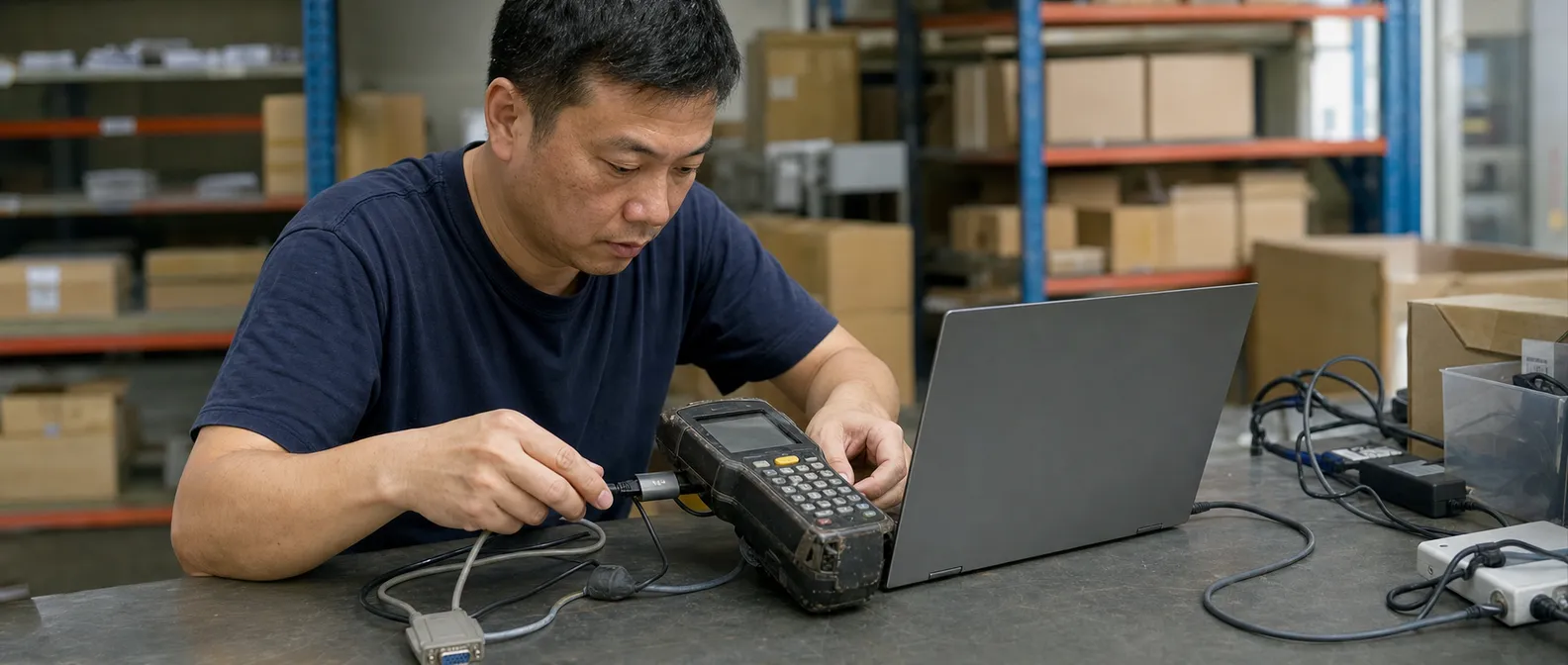
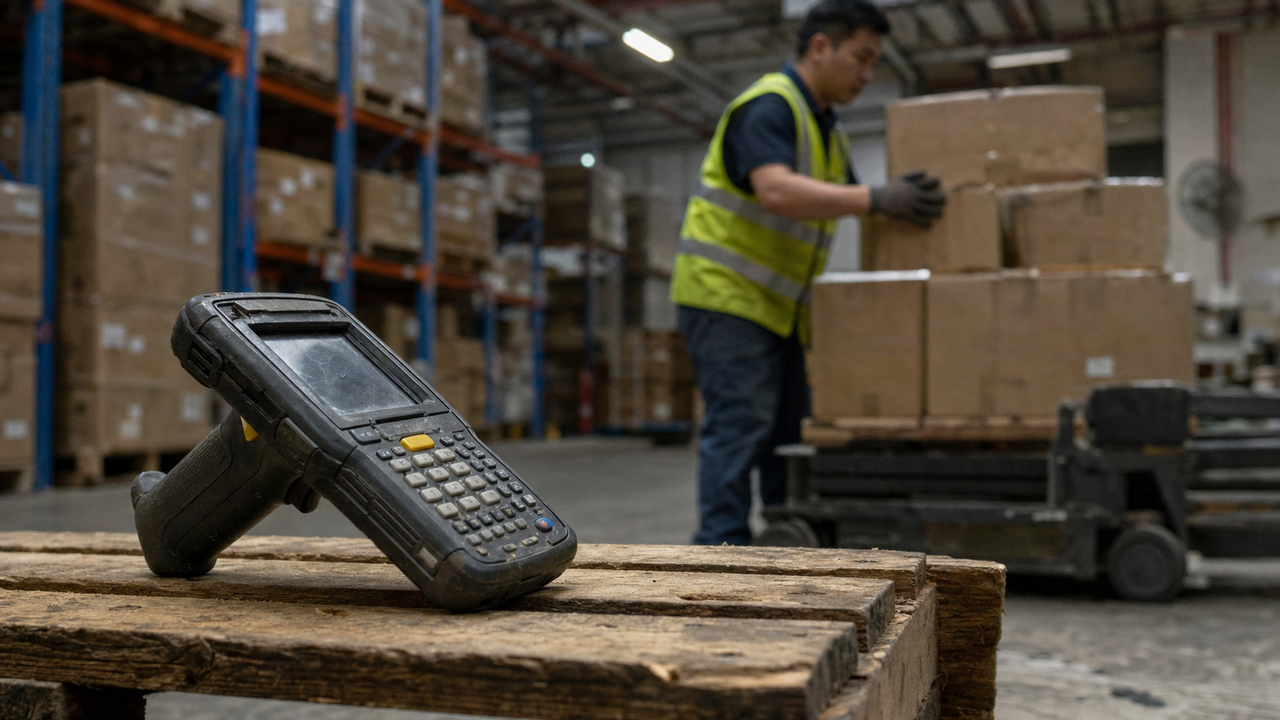
Drop a Motorola MC9090 from three metres onto a concrete warehouse floor. It bounces. It beeps. It scans the next pallet. That device was manufactured around 2007. It runs Windows CE 6.0. And right now, somewhere in a Singapore warehouse, it is pulling shifts that would kill a consumer smartphone in a week.
This is not a nostalgia piece. It is an architecture argument.
The Half-Million Dollar Math Problem
- Fleet size
- 300 units
- Modern upgrade
- $1.5k–$2k
- Total CAPEX
- ~$500k
- Throughput gain
- 0%
per device
A mid-sized FMCG logistics operator in Southeast Asia typically runs a fleet of 200 to 400 ruggedised scanners. The Motorola MC9090 and its siblings — the MC3090, the MC75A — were built for exactly this environment. Drop-rated to 1.8 metres on concrete. IP54 sealed against dust and water jets. Battery packs that sustain a full 12-hour shift at with margin to spare.
Replacing that fleet with modern Android ruggedised units — a Zebra TC57, a Honeywell CT40 — costs roughly 2,000 per device. On a fleet of 300, that is a capital outlay between 600,000 SGD, before you account for accessories, cradles, MDM licences, and warehouse downtime during rollout.
The real question is what that capital actually buys on the floor. The MC9090 reads a 1D barcode in under 200 milliseconds. So does the TC57. Throughput is identical. The picker does not care about the Android UI. The pick rate does not change. Modern Android devices do offer real advantages at the IT layer — longer software support windows, a richer MDM ecosystem, a larger developer pool. Those advantages simply do not show up in picks-per-hour. For operators where throughput is the primary floor-level metric, the ROI case is difficult to make. The capital case is clearly negative.
So we don’t throw away working hardware. We write middleware.
The 2018 Tuas Gateway: SOAP to REST on the Fly
In 2018 we ran a WMS migration for a cold-chain FMCG client out of Tuas. The existing on-premise WMS had hit end-of-vendor-support. The client mandated a move to a modern cloud WMS — clean RESTful APIs over HTTPS, standard JSON payloads, JWT authentication, webhook callbacks. All the right things.
The scanner fleet was 280 MC9090s. Every one of them communicated via SOAP over XML on the 802.11b/g Wi-Fi infrastructure that had been laid down when the warehouse was built. The devices had no concept of a Bearer token. Their HTTP stacks were built for SOAP envelopes. They could not send a JSON body.
The obvious answer was fleet replacement. The client declined after seeing the numbers.
What we built instead was a translation gateway sitting between the warehouse network segment and the cloud WMS — two .NET Framework 4.7 VMs, active-passive. Every SOAP request from the floor hit the gateway first. The gateway parsed the XML envelope, extracted the payload, mapped it to the equivalent REST endpoint, constructed a JSON body, attached the service account JWT, forwarded the request to the cloud WMS, received the JSON response, wrapped it in a SOAP envelope, and returned it to the handheld. From the scanner’s perspective, it was still talking to an on-premise SOAP service.
No device firmware was patched. No scanner application was recompiled. The migration was invisible to the floor.
Latency through the translation layer added 40 to 60 milliseconds per round trip under normal load — acceptable in a pick-and-confirm workflow where human motion time runs 3 to 5 seconds anyway.
The 2022 Cold Chain Cache: Defeating Negative 20 Degrees

Four years later, a different client, a different failure mode. A cold-chain operator running a deep-freeze facility asked us to stabilise their scan operations. The WMS was already modern. The scanners — MC9090s again, fitted with cold-storage battery packs — were already hitting the REST gateway. On paper, the architecture was sound.
In practice, operations were halting multiple times per shift.
The failure mode was straightforward once we mapped it. Dense frozen inventory, thick insulated freezer doors, and a Wi-Fi AP layout designed for ambient temperatures produced significant dead zones deep inside the freezer aisles. When a picker moved to the back of a rack, the scanner dropped its 802.11g association. The REST call timed out. The WMS received nothing. The picker had to back out, wait for reconnection, and retry — losing a minute each time.
The right fix was not more Wi-Fi APs alone, though the client eventually added two. The software fix was a local caching layer on the device itself.
Windows CE 6.0 supports the .NET Compact Framework 3.5. CF3.5 provides a stripped-down but functional C# runtime — more capable than most engineers give it credit for. We wrote a lightweight proxy application that sat in front of the scanner’s existing WMS client. When a scan event fired, the proxy attempted the outbound REST call through the gateway. If the call failed or timed out within 800 milliseconds, the proxy committed the scan record to a local SQLCE 3.5 store — a CF3.5-compatible DLL. The scanner confirmed the scan locally and the picker continued working.
When the device re-established network connectivity — typically when the picker returned to the main aisle — the proxy flushed the local queue in a bulk asynchronous POST. The gateway accepted batch payloads, deduplicated by scan timestamp and device ID, and forwarded them to the WMS in sequence.
Operational halts from network dropout dropped to near zero. Working hardware stayed on the floor.
Engineering the Translation Layer
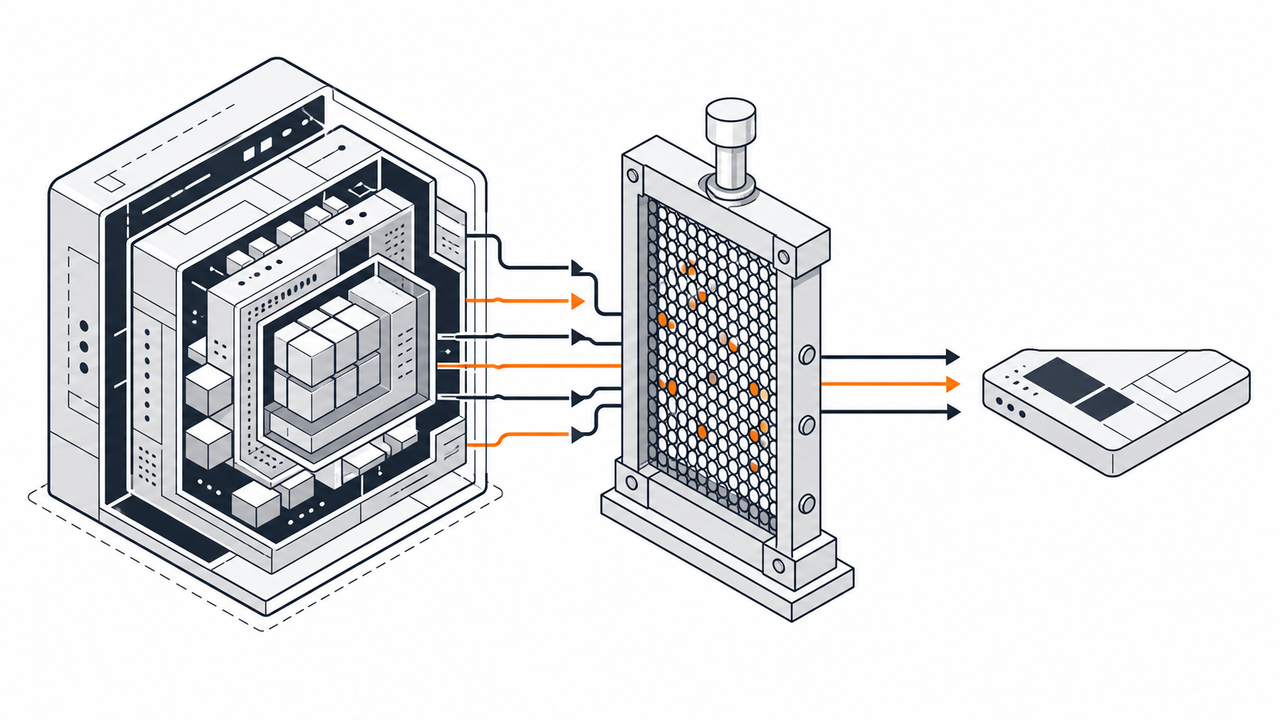
The Tuas gateway and the cold-chain cache share a common discipline. Legacy warehouse devices are constrained in three directions simultaneously: processor speed, memory, and network bandwidth. Ignore any one of these and you build a gateway that looks elegant in a test lab and falls apart on a warehouse floor.
Keep payloads small. A Windows CE processor — typically an Intel XScale or Marvell PXA at 200 to 520 MHz — parses a 400-byte XML envelope with no visible latency. It handles a 2 KB JSON blob, but the margin disappears fast under radio overhead. The gateway must strip modern API metadata. Pagination wrappers, HATEOAS links, verbose error objects — none of that reaches the handheld. The device needs a string, a boolean, or an error code. That is the entire contract.
Flatten the data. Modern APIs return nested structures because client-side code traverses them cheaply. CF3.5 XML parsers are functional but not fast. A gateway returning a two-level flat XML envelope performs measurably better than one returning a three-level nested structure — and across a fleet of 300 devices making 800 scan calls per hour, that difference accumulates.
Hold the state. The cloud WMS is stateless by design — correct for a web application. The scanner workflow is not. A pick task has a session: the picker starts a task, confirms items sequentially, closes the task. The middleware holds that session context server-side and maps the stateless REST interactions onto the stateful device workflow. Treating the gateway as a dumb protocol converter is the most common mistake in first-pass implementations. It is not a protocol converter. It is a session manager that also converts protocols — and conflating the two produces subtle sequencing bugs that only surface under concurrent load.
Log aggressively at the gateway. When a scan fails, four failure points are possible: the handheld, the Wi-Fi node, the gateway, or the cloud backend. Without structured logs at the gateway boundary, the support call becomes a guessing exercise. Log every inbound request with device ID, timestamp, payload hash, and outcome. Log every outbound call with latency and HTTP status. A two-minute query identifies the failure domain. Without it, the investigation takes an hour and blames the scanner by default — which is usually wrong.
Fast Brains and Durable Limbs
Legacy technology on a warehouse floor is a physical constraint. It is not an IT failure.
Modern systems — cloud WMS platforms, AI-driven slotting engines, LLM-powered demand forecasting — run in temperature-controlled data centres on hardware refreshed on a three-year cycle. That hardware is optimised for compute density and I/O throughput. It was never designed to be dropped onto concrete at by a picker moving 400 pallets through a 12-hour shift.
The MC9090 was designed for exactly that. Its form factor has not changed in 20 years because the human hand has not changed in 20 years. The physical ergonomics of a warehouse scan workflow — grip, trigger, point, scan — are a solved problem. Touchscreens in freezers remain a friction point even on modern devices with glove-mode support. Battery life that degrades in cold is a real operational cost. And an $1,800 device requiring MDM enrolment and retraining imposes change management overhead that many operators simply cannot absorb mid-cycle.
This is not an argument against Android hardware in perpetuity. Greenfield deployments, operations with complex UI workflows, facilities where the scanner fleet is already at end-of-life — these have a different calculus entirely. But for operators running functional legacy fleets, the economics are stubborn.
The architecture that fits much of Southeast Asian logistics over the next decade connects fast, modern intelligence — cloud APIs, AI agents, real-time inventory optimisation — to slow, durable physical endpoints through tightly engineered middleware. The brains are modern. The limbs are old. The gateway is the nervous system.
Hardware economics sustain this model. An MC9090 running for 15 years has fully amortised its capital cost. What remains is maintenance. A well-designed gateway means that maintenance rarely requires touching the device — only updating the translation layer, a software change deployable in minutes, invisible to the floor. The gateway itself carries its own upkeep burden: translation logic must evolve as cloud APIs change, and the VM stack needs patching. That cost is real. But it is substantially lower than a fleet replacement, and it compounds over time in the operator’s favour.
We have run three such migrations in Singapore and Malaysia since 2018. The scanners kept scanning. The backends got modern. The pickers did not notice.
That is the outcome.